
-20%

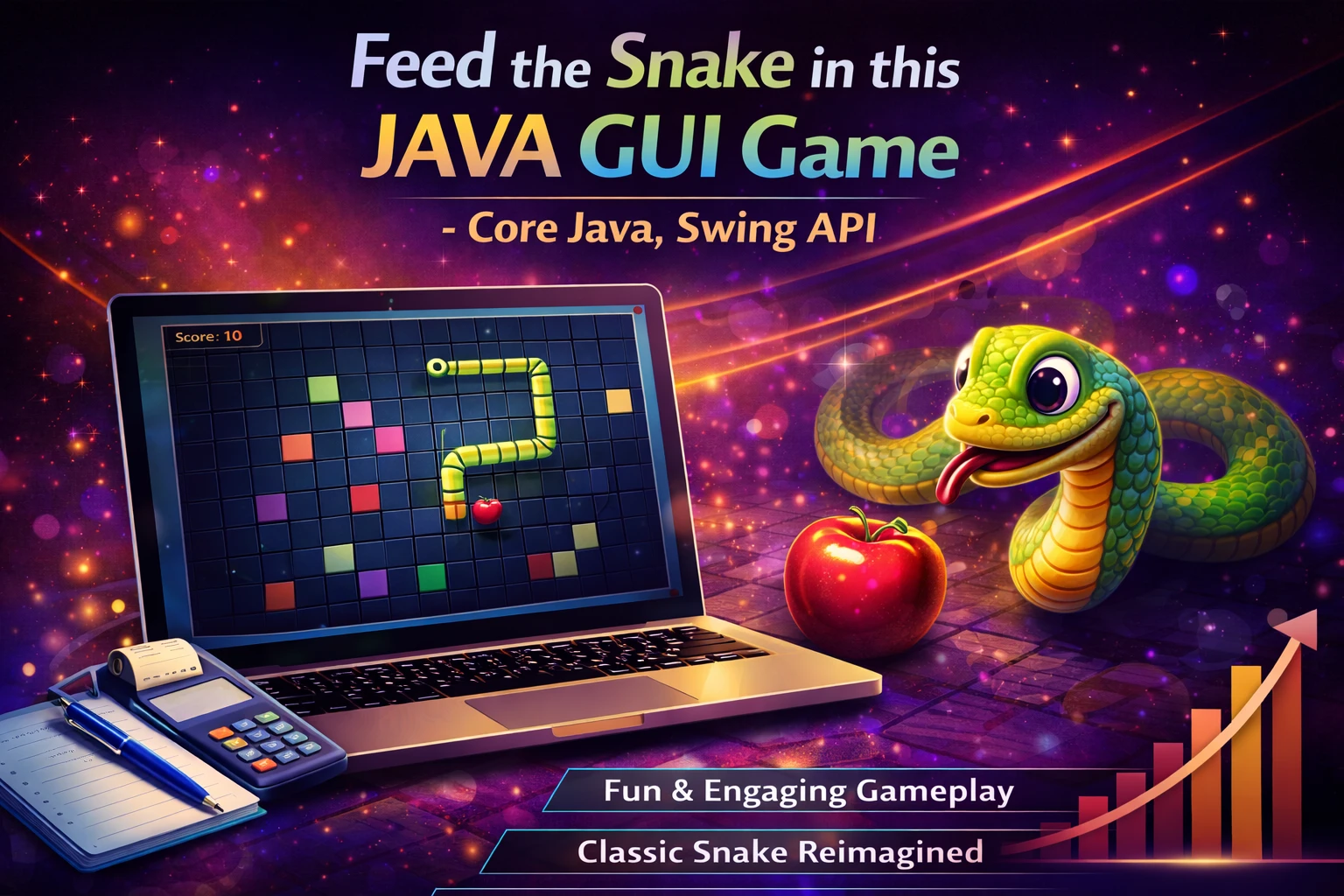
Feed the Snake in this JAVA GUI Game – Core Java, Swing API

0 Orders 0 Wish listed

₹4,999.00

Qty
Total price:
  ₹4,999.00

Detail Description

1. Abstract

Feed the Snake is a classic arcade-style game developed using Core Java and the Swing API to demonstrate graphical user interface programming, event handling, and game logic implementation in Java. The main concept of the game is simple yet highly engaging: the player controls a snake that moves continuously within a bounded game area and must eat food items that appear randomly on the screen. Every time the snake eats food, its length increases and the player’s score rises. The challenge of the game is to survive as long as possible without colliding with the walls or the snake’s own body.

This project is designed as an educational and entertaining application that helps students understand how Java can be used to create interactive desktop games. Unlike console-based programs, this game uses a graphical environment where components are visually rendered, keyboard inputs are captured in real time, and animations are achieved through periodic screen updates. By implementing this project, learners gain hands-on experience in important Java concepts such as object-oriented programming, arrays or lists, timers, event listeners, repainting, collision detection, score tracking, and game loop management.

The game interface is built using Java Swing, which provides components like JFrame, JPanel, and Timer for managing the game window, drawing area, and regular updates. The snake is represented using connected body segments, and the movement is controlled by arrow keys or direction keys. Food items are generated at random positions, and the snake grows each time food is consumed. The game ends when the snake hits the boundary or intersects itself, after which the score can be displayed and the player may be given an option to restart the game.

This project not only serves as a fun mini-game but also as an excellent academic project for understanding GUI development and logic building in Java. It demonstrates how a simple game can involve multiple programming principles working together, including user interaction, visual rendering, time-based updates, and condition-based control flow. The design can be extended further by adding levels, sound effects, pause functionality, high-score storage, speed variation, and colorful themes.

In conclusion, Feed the Snake is an engaging Java GUI project that combines entertainment with practical learning. It is ideal for students who want to explore game development basics using Core Java and Swing API while strengthening their programming skills through a real-world desktop application.

2. Objectives

The main objectives of the project are:

  1. To develop a simple and interactive snake game using Core Java.
  2. To understand the use of Java Swing API for GUI-based application development.
  3. To implement real-time keyboard control for snake movement.
  4. To design game logic for food generation, movement, and scoring.
  5. To apply collision detection for walls and snake body.
  6. To understand timers and animation techniques in Java.
  7. To improve knowledge of object-oriented programming concepts.
  8. To provide an entertaining educational project for learning Java game development.

3. Existing System

The existing system refers to traditional snake games already available on old mobile phones, arcade devices, and modern gaming platforms. These games are popular and entertaining, but from an educational development point of view, they have the following limitations:

  1. Existing games are pre-built and do not help students understand how they are developed.
  2. They cannot be modified easily for academic experimentation.
  3. Users can only play the game but cannot study its source code structure.
  4. Basic console-based Java games lack graphical interaction and user-friendly design.
  5. Existing ready-made gaming engines may hide the core programming logic, reducing learning opportunities for beginners.

Thus, there is a need for a custom-built snake game that demonstrates how such a game can be implemented from scratch using Core Java and Swing API.

4. Proposed System

The proposed system is Feed the Snake, a Java GUI-based game that allows the player to control a snake inside a game window. The snake moves continuously, and the player changes its direction using keyboard keys. The goal is to make the snake eat food and grow longer while avoiding collisions.

Main features of the proposed system include:

  1. Graphical game window using Java Swing
  2. Snake movement controlled by keyboard
  3. Random food generation
  4. Automatic increase in snake length after eating food
  5. Score calculation and display
  6. Collision detection with walls and snake body
  7. Game over screen when collision occurs
  8. Restart option for replaying the game

The proposed system is easy to use, visually interactive, and educational. It is more suitable for learning compared to ready-made games because it exposes all the logic and implementation details.

5. Implementation Procedure

The implementation procedure of the project can be divided into the following steps:

Step 1: Requirement Analysis

  1. Understand the rules and behavior of the snake game.
  2. Identify the required modules such as game window, snake control, food generation, scoring, and collision detection.

Step 2: System Design

  1. Design the layout of the game screen.
  2. Decide how the snake body will be represented, such as using arrays or lists.
  3. Prepare flowcharts or class diagrams to describe the game flow.

Step 3: GUI Development

  1. Create the main game window using JFrame.
  2. Use JPanel as the drawing surface for the game.
  3. Override the paintComponent() method to draw the snake, food, and score.

Step 4: Game Logic Implementation

  1. Initialize the snake at a starting position.
  2. Implement movement logic based on the current direction.
  3. Generate food at random coordinates within the game area.
  4. Increase the snake length and score when food is eaten.

Step 5: Event Handling

  1. Use KeyListener or key bindings to detect keyboard input.
  2. Change snake direction according to the player’s commands.
  3. Prevent invalid reverse movement if needed.

Step 6: Timer and Animation

  1. Use javax.swing.Timer to create a game loop.
  2. Refresh the screen repeatedly after fixed intervals.
  3. Update snake position and check conditions during each cycle.

Step 7: Collision Detection

  1. Check whether the snake hits the wall boundaries.
  2. Check whether the snake collides with its own body.
  3. End the game and display the final score if collision occurs.

Step 8: Testing and Debugging

  1. Test all game features carefully.
  2. Ensure smooth movement, correct score updates, and proper collision handling.
  3. Fix bugs related to direction change, repainting, or game restart.

Step 9: Deployment and Enhancement

  1. Run the game on desktop systems with Java installed.
  2. Add optional future enhancements such as sound effects, levels, speed increase, and high-score saving.

6. Software Requirements

The software requirements for this project are:

  1. Operating System: Windows 7/8/10/11 or Linux
  2. Programming Language: Java
  3. Technology Used: Core Java
  4. GUI Library: Swing API
  5. IDE/Editor: NetBeans / Eclipse / IntelliJ IDEA
  6. JDK Version: JDK 8 or above
  7. Documentation Tool: MS Word

7. Hardware Requirements

The hardware requirements for this project are:

  1. Processor: Intel Pentium / Intel i3 or above
  2. RAM: 2 GB minimum, 4 GB recommended
  3. Hard Disk: 100 GB or above
  4. Monitor: 14-inch or above
  5. Keyboard: Required for controlling the snake
  6. Mouse: Optional

8. Advantages of the Project

The major advantages of Feed the Snake are:

  1. Easy to understand and implement for students.
  2. Provides practical knowledge of Java GUI programming.
  3. Demonstrates event handling and keyboard control.
  4. Helps learn animation and timer-based updates.
  5. Improves logic-building and problem-solving skills.
  6. Offers a fun and interactive learning experience.
  7. Can be enhanced with many additional features.
  8. Suitable as a mini-project or academic submission.
  9. Strengthens understanding of object-oriented programming.
  10. Introduces the basics of game development using Java.


No review given yet!

Fast Delivery all across the country
Safe Payment
7 Days Return Policy
100% Authentic Products

You may also like

View all

Travel Advisor App Using React.js

₹4,999.00

React Admin Dashboard Using Material UI and Chart.js

₹4,999.00

AI Quiz Bot Application Using React.js

₹4,998.99

Antivirus File Scanner Application Using React.js

₹4,999.00

AI OCR Image to Text Extractor Using React.js

₹4,999.00

Feed the Snake in this JAVA GUI Game – Core Java, Swing API
₹4,999.00 ₹0.00
₹4,999.00
4999