
-20%

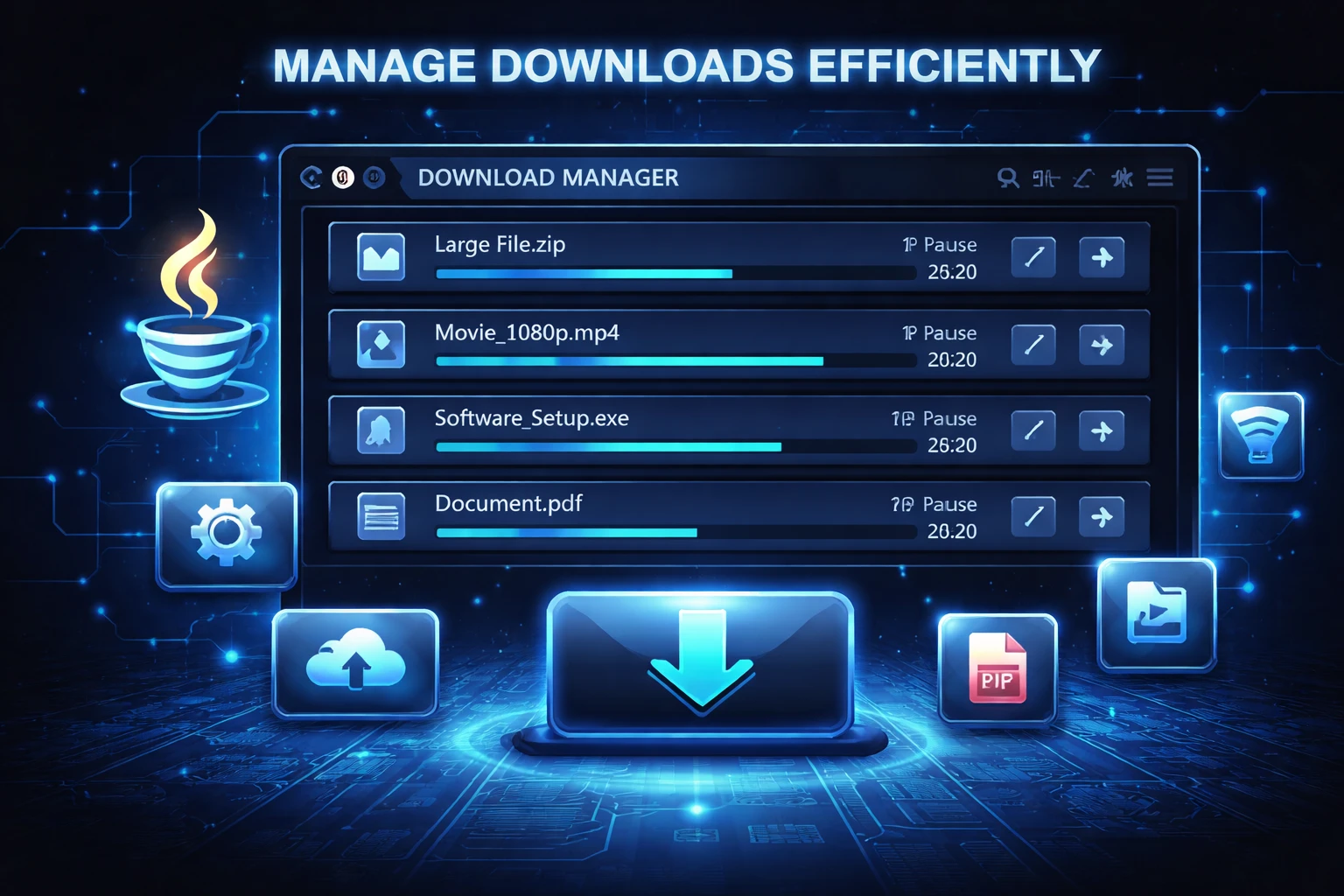
Manage Downloads Efficiently in Download Manager in JAVA-Core Java

0 Orders 0 Wish listed

₹4,999.00

Qty
Total price:
  ₹4,999.00

Detail Description

1. Abstract

Download Manager is a Java-Core based application developed to simplify and organize the process of downloading files from different sources. In normal situations, users download files through browsers or manual methods, but those methods may not provide proper control over multiple downloads, file status, pause or resume options, and organized tracking. This project aims to create a simple and efficient system that helps users manage downloads in a better way.

The application allows users to add file download links, start downloads, monitor progress, pause or resume the process, and maintain a record of completed or pending downloads. It is developed using Core Java, which helps students understand important concepts such as object-oriented programming, multithreading, file handling, exception handling, and collections. Since download operations often require simultaneous processing, this project is especially useful for learning thread management in Java.

The system reduces manual effort and improves user convenience by offering a centralized platform to handle download tasks. It can display file name, size, download speed, progress percentage, and current status. The project can be implemented as a console-based or GUI-based application, depending on the requirement and scope.

Overall, the Download Manager project is a practical mini-project that demonstrates how Java Core can be used to build a useful real-world application. It improves file download control, saves time, and provides a better user experience while also helping students gain technical knowledge in Java programming.

2. Objectives

The main objectives of the project are:

  1. To develop a simple and efficient download manager using Core Java.
  2. To manage multiple file downloads in an organized manner.
  3. To provide features such as start, pause, resume, and cancel download.
  4. To display download progress and current status.
  5. To maintain records of completed and pending downloads.
  6. To understand the use of multithreading in Java.
  7. To apply file handling and exception handling concepts in a real-time application.
  8. To create a useful academic mini-project for learning Java Core concepts.

3. Existing System

In the existing system, users generally download files using web browsers or simple download methods. Although these methods are useful, they have several limitations:

  1. Limited control over multiple downloads.
  2. Difficulty in tracking download progress in a structured way.
  3. Pause and resume features may not always be available.
  4. Download failures may force the user to restart from the beginning.
  5. Managing downloaded files manually can be inconvenient.
  6. No centralized system for maintaining download history.
  7. Browser-based downloading may become slow or less flexible for large files.

Because of these limitations, the existing system is less efficient for users who frequently download multiple files and need better control over the process.

4. Proposed System

The proposed system is a Java-Core based Download Manager that provides a centralized platform for managing file downloads efficiently. The system allows users to enter download URLs and monitor all download activities in one application.

Main features of the proposed system include:

  1. Add and manage multiple downloads
  2. Start, pause, resume, and cancel downloads
  3. Display file name, progress, and status
  4. Maintain a list of completed, failed, and pending downloads
  5. Organize download records systematically
  6. Improve control over large or multiple file downloads

The proposed system is more flexible, user-friendly, and efficient than traditional manual downloading methods. It provides better visibility and control over file transfers and can be enhanced further with GUI, database support, and scheduling features.

5. Implementation Procedure

The implementation procedure of the project can be divided into the following steps:

Step 1: Requirement Analysis

  1. Study the current downloading process and its limitations.
  2. Identify the features required such as add download, pause, resume, cancel, and progress display.
  3. Define the user requirements for handling multiple downloads.

Step 2: System Design

  1. Design the structure of the application.
  2. Divide the system into modules such as URL Input Module, Download Control Module, Progress Tracking Module, and History Management Module.
  3. Prepare class diagrams or flowcharts to represent the system workflow.

Step 3: Coding in Java

  1. Create classes for handling downloads, file details, and status updates.
  2. Use Java Core concepts such as classes, objects, inheritance, and methods.
  3. Implement multithreading so that multiple downloads can run at the same time.
  4. Use exception handling to manage invalid URLs, network errors, and interrupted downloads.

Step 4: File Handling

  1. Save downloaded files to the local system.
  2. Maintain history records of completed and pending downloads.
  3. Use file streams for writing downloaded content to files.

Step 5: User Interface Development

  1. Create a console-based or Swing-based interface.
  2. Provide options for entering URLs, starting downloads, and checking download status.
  3. Display progress percentage and status clearly.

Step 6: Testing

  1. Test the application for single and multiple downloads.
  2. Verify pause, resume, cancel, and progress tracking functions.
  3. Check error handling for invalid links and network interruption.

Step 7: Deployment

  1. Run the application on systems with Java installed.
  2. Make the project available for academic use or demonstration.

Step 8: Maintenance and Enhancement

  1. Fix bugs and improve performance.
  2. Add future features such as download scheduling, category-wise storage, and GUI improvements.

6. Software Requirements

The software requirements for this project are:

  1. Operating System: Windows 7/8/10/11 or Linux
  2. Programming Language: Java
  3. Technology Used: Core Java
  4. IDE/Editor: NetBeans / Eclipse / IntelliJ IDEA / VS Code
  5. JDK Version: JDK 8 or above
  6. Optional GUI: Java Swing
  7. Documentation Tool: MS Word

7. Hardware Requirements

The hardware requirements for this project are:

  1. Processor: Intel Pentium / Intel i3 or above
  2. RAM: 2 GB minimum, 4 GB recommended
  3. Hard Disk: 50 GB or above
  4. Monitor: 14-inch or above
  5. Keyboard and Mouse
  6. Internet Connection: Required for downloading files

8. Advantages of the Project

The major advantages of this project are:

  1. Provides better control over file downloads.
  2. Supports multiple downloads in one system.
  3. Saves time by organizing download activities efficiently.
  4. Displays progress and status clearly.
  5. Helps users manage completed and pending downloads.
  6. Improves understanding of multithreading in Java.
  7. Demonstrates practical use of file handling and exception handling.
  8. Can be enhanced with GUI and advanced download features.
  9. Useful as a mini-project for academic submission.
  10. Makes the downloading process more convenient and systematic.


No review given yet!

Fast Delivery all across the country
Safe Payment
7 Days Return Policy
100% Authentic Products

You may also like

View all

Travel Advisor App Using React.js

₹4,999.00

React Admin Dashboard Using Material UI and Chart.js

₹4,999.00

AI Quiz Bot Application Using React.js

₹4,998.99

Antivirus File Scanner Application Using React.js

₹4,999.00

AI OCR Image to Text Extractor Using React.js

₹4,999.00

Manage Downloads Efficiently in Download Manager in JAVA-Core Java
₹4,999.00 ₹0.00
₹4,999.00
4999