
-20%

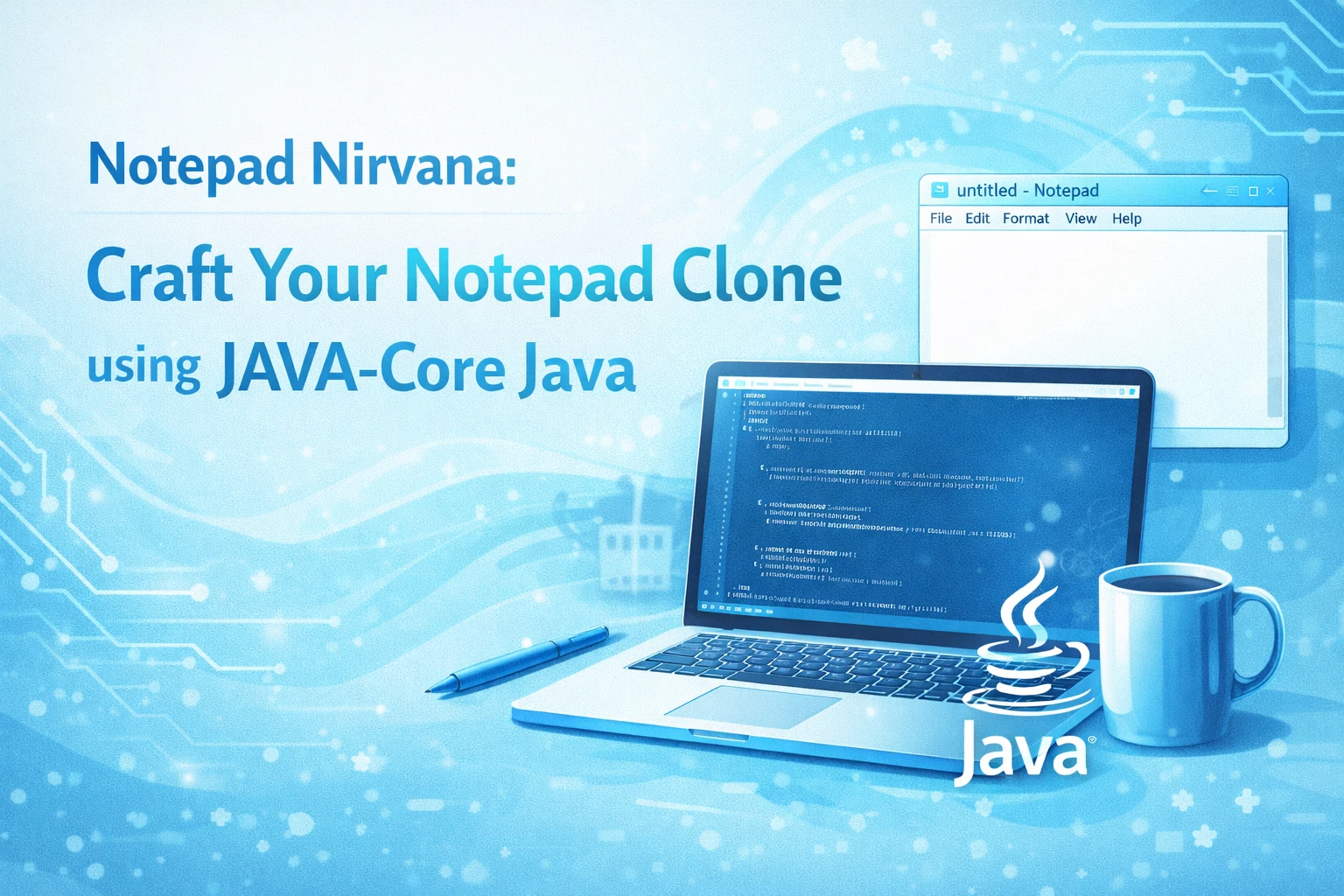
Notepad Nirvana: Craft Your Notepad Clone using JAVA-Core Java

0 Orders 0 Wish listed

₹4,999.00

Qty
Total price:
  ₹4,999.00

Detail Description

1. Abstract

Notepad Nirvana is a Java-Core based text editor application developed to replicate the essential features of the standard Notepad software. The main aim of this project is to provide a simple, lightweight, and user-friendly text editing platform where users can create, edit, save, and open text files efficiently. This project is designed especially for students and beginners to understand how core Java concepts can be applied in developing a real-time desktop application.

In day-to-day computing, text editors are among the most commonly used software tools. They are used for writing notes, editing plain text, preparing code snippets, and storing simple information. The traditional Notepad application provided by operating systems is basic, but it demonstrates how powerful a simple editor can be. Inspired by this, Notepad Nirvana is proposed as a Java-Core project that recreates similar functionality while helping learners gain practical exposure to Java programming.

The application is developed using Java Core concepts along with GUI components such as Swing or AWT. It includes features like creating a new file, opening an existing text file, editing content, saving files, saving under a new name, cutting, copying, pasting, and exiting the application. Additional features like font customization, word count, status display, and simple search options can also be included to make the application more useful and interactive.

This project emphasizes object-oriented programming principles such as classes, objects, inheritance, encapsulation, event handling, exception handling, and file handling. It provides students with a strong understanding of how user interfaces interact with backend logic. By working on this project, learners can understand how menu bars, text areas, dialogs, file choosers, and action listeners are implemented in Java.

The system is intended to be lightweight, efficient, and easy to operate. Since it does not require complex external frameworks, it is suitable for academic mini-projects and practical assignments. Notepad Nirvana serves as both a functional text editor and a learning tool for mastering Java Core concepts through hands-on software development.

In conclusion, this project demonstrates how a widely used utility application can be recreated using Java Core, making it an ideal project for improving programming skills, GUI design knowledge, and problem-solving ability.

2. Objectives

The main objectives of the project are:

  1. To develop a simple text editor similar to Notepad using Java Core.
  2. To provide features for creating, editing, opening, and saving text files.
  3. To understand the use of Java Swing/AWT for GUI development.
  4. To implement file handling operations in Java.
  5. To apply event handling for menu and button actions.
  6. To improve understanding of object-oriented programming concepts.
  7. To create a user-friendly and lightweight desktop application.
  8. To provide a practical project for academic learning and skill development.

3. Existing System

The existing system refers to the traditional text editing methods and the basic Notepad application already available in operating systems. While these tools are useful, from a learning and customization perspective they have certain limitations:

  1. Users depend on pre-installed editors without understanding their internal design.
  2. Basic editors offer limited customization for educational experimentation.
  3. Students cannot directly learn implementation details from ready-made software.
  4. Manual text writing without proper digital tools can be inefficient.
  5. Existing systems may not provide a platform for practicing Java GUI and file handling concepts.

For academic purposes, simply using an existing notepad editor does not help students understand how such software is built. Therefore, there is a need for a custom-built application that demonstrates the internal working of a text editor.

4. Proposed System

The proposed system, Notepad Nirvana, is a Java-Core based desktop application that acts as a text editor with the main functionalities of a standard notepad.

The system allows users to:

  1. Create a new text file
  2. Open an existing text document
  3. Edit text content
  4. Save files
  5. Save files with a new name
  6. Cut, copy, and paste text
  7. Exit the application safely

Optional enhanced features may include:

  1. Font style and size changes
  2. Word and character count
  3. Search and replace option
  4. Date and time insertion
  5. Status bar display

The proposed system is simple, efficient, and easy to use. It provides a practical way for students to understand how desktop applications are developed in Java. It also makes file operations and text manipulation easier for users in a single window-based environment.

5. Implementation Procedure

The implementation procedure for Notepad Nirvana can be divided into the following stages:

Step 1: Requirement Analysis

  1. Identify the core functions required in a text editor.
  2. Study the features of a traditional notepad application.
  3. Finalize modules such as File Menu, Edit Menu, Format Menu, and Help Menu.

Step 2: System Design

  1. Design the structure of the application.
  2. Create the main window with a text area.
  3. Plan menu options for file operations and text editing.
  4. Prepare flowcharts or class diagrams for understanding the system workflow.

Step 3: GUI Development

  1. Use Java Swing or AWT to create the user interface.
  2. Add components such as JFrame, JTextArea, JMenuBar, JMenu, JMenuItem, and JScrollPane.
  3. Design a clean and user-friendly layout.

Step 4: Coding Functional Modules

  1. Implement file operations like New, Open, Save, and Save As using file handling.
  2. Implement text editing operations like Cut, Copy, Paste, and Select All.
  3. Add exit functionality with proper confirmation.

Step 5: Event Handling

  1. Use action listeners to handle menu item selections.
  2. Connect each user action with its corresponding function.
  3. Ensure smooth interaction between the GUI and backend logic.

Step 6: Testing

  1. Test all features one by one.
  2. Verify that files open correctly, save correctly, and edit operations work as expected.
  3. Check for error conditions such as invalid file path or unsaved changes.

Step 7: Deployment

  1. Run the application on a local system using Java.
  2. Distribute the project as a desktop application or academic submission.

Step 8: Maintenance and Enhancement

  1. Fix bugs if any.
  2. Add advanced features in the future such as themes, syntax highlighting, or printing support.

6. Software Requirements

The software requirements for this project are:

  1. Operating System: Windows 7/8/10/11 or Linux
  2. Programming Language: Java
  3. Technology Used: Java Core
  4. GUI Framework: Java Swing / AWT
  5. IDE/Editor: NetBeans / Eclipse / IntelliJ IDEA
  6. JDK Version: JDK 8 or above
  7. Documentation Tool: MS Word

7. Hardware Requirements

The hardware requirements for this project are:

  1. Processor: Intel Pentium / Intel i3 or above
  2. RAM: 2 GB minimum, 4 GB recommended
  3. Hard Disk: 100 GB or above
  4. Monitor: 14-inch or above
  5. Keyboard and Mouse

8. Advantages of the Project

The major advantages of Notepad Nirvana are:

  1. Simple and easy to use.
  2. Helps students understand Java Core concepts practically.
  3. Demonstrates GUI design using Swing/AWT.
  4. Implements real-time file handling operations.
  5. Improves knowledge of event handling in Java.
  6. Lightweight application with minimal system requirements.
  7. Can be customized and enhanced easily.
  8. Serves as a good mini-project for academic submissions.
  9. Provides hands-on experience in desktop application development.
  10. Builds confidence in creating real-world Java applications.


No review given yet!

Fast Delivery all across the country
Safe Payment
7 Days Return Policy
100% Authentic Products

You may also like

View all

Travel Advisor App Using React.js

₹4,999.00

React Admin Dashboard Using Material UI and Chart.js

₹4,999.00

AI Quiz Bot Application Using React.js

₹4,998.99

Antivirus File Scanner Application Using React.js

₹4,999.00

AI OCR Image to Text Extractor Using React.js

₹4,999.00

Notepad Nirvana: Craft Your Notepad Clone using JAVA-Core Java
₹4,999.00 ₹0.00
₹4,999.00
4999